Voice Dictation for Cursor, ChatGPT and Slack on Mac
How to set up dictation in each, when the built-in microphone is enough, and how to fix the hotkey and focus problems they share.
Quick answer
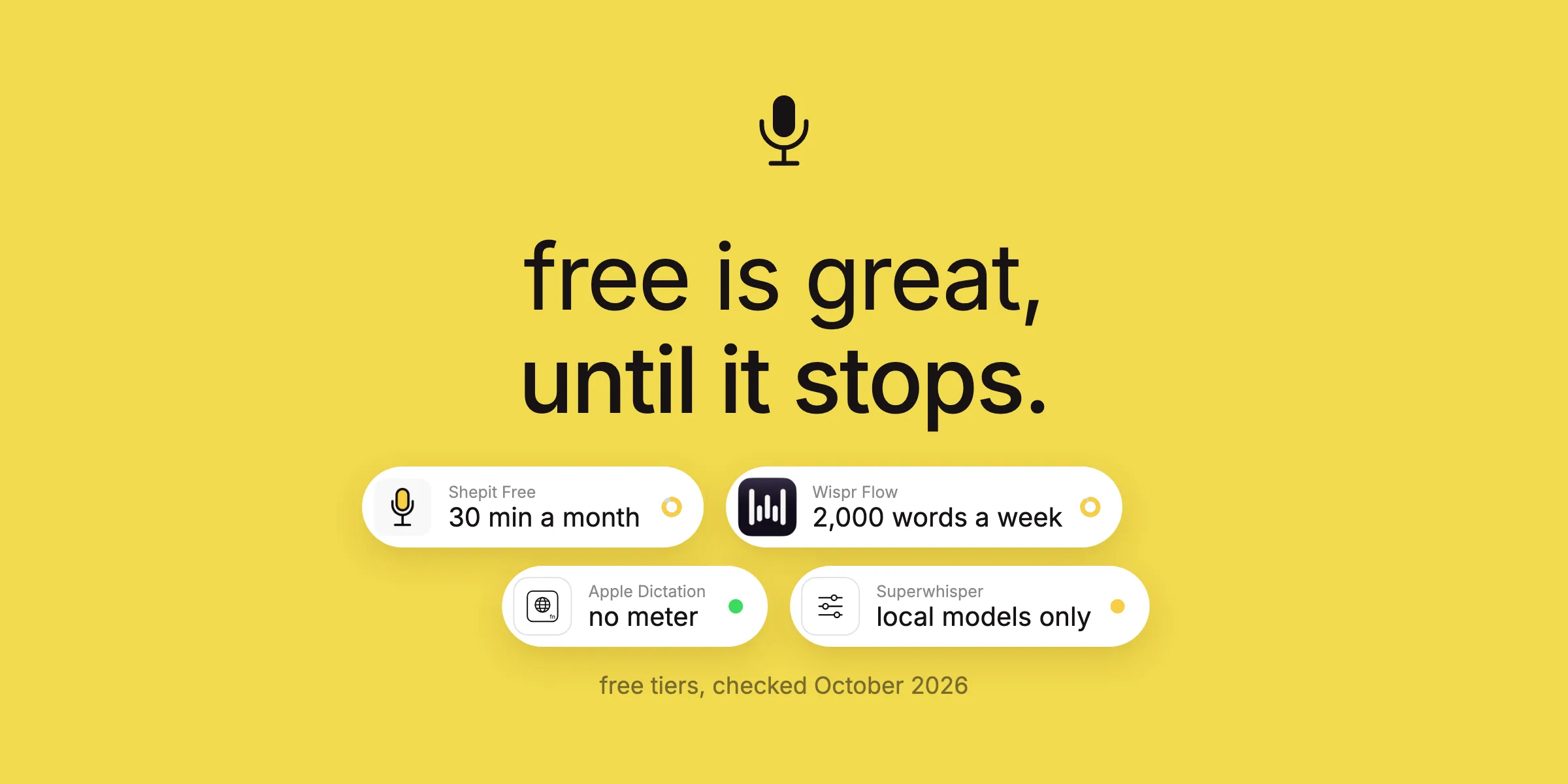
Use a system-wide dictation app: click into Cursor's Agent input, ChatGPT's message box or a Slack message, hold the hotkey, speak, release. Cursor (since 2.0) and ChatGPT also have built-in voice input that is fine for short prompts; Slack's desktop app has none. Shepit (our app) works in all three with one hotkey and optional AI clean-up per app, free for 30 minutes a month.
Cursor, ChatGPT and Slack have one thing in common: you spend the day writing plain English into them. That makes all three good places to dictate, and each has its own quirk: a built-in microphone with a time limit, a global shortcut that collides with your hotkey, an Enter key that sends half a thought. Here is how to set dictation up in each, and what to do when it misbehaves.
Cursor: talk to the Agent, type the code
Cursor's Agent and chat panel take natural language, which makes them the obvious place to dictate. With any system-wide dictation app the setup takes a minute:
- Open the Agent or chat panel and click into its input.
- Hold your dictation hotkey (in Shepit, Right Shift by default), describe the task, release.
- Add file references with
@from the keyboard, read the text, press Return.
A dictated Agent prompt tends to come out longer and more useful than a typed one, because nobody shortens speech to save keystrokes: "The settings page saves the form twice when I press Enter in the email field. Find where the submit handler is attached, make sure it fires once, and add a test that presses Enter in each field." That is about ten seconds of speaking. Typing it is the moment most of us write "fix double submit" instead.
Cursor also has its own voice input since version 2.0: a microphone in the Agent input, or hold Ctrl+M to talk. It is built in and free, and for quick Agent prompts it is enough. Users on Cursor's forum report its limits: hold-to-talk stops at 30 seconds, and languages missing from Cursor's list fall back to English with poor results. As far as I can tell it only dictates into the Agent input, not the editor, the terminal or a commit message, while a system-wide app works in all of them. If you run Claude Code in Cursor's terminal, the workflow in Voice Dictation for Claude Code applies as is.
ChatGPT: long prompts without the typing
ChatGPT's Mac app and website have a built-in Dictate button: click the microphone in the message box, speak, and your words become editable text before you send. According to OpenAI's help pages, that audio is kept as long as the chat stays in your history and deleted within 30 days after you delete the chat, and it is used for training only if you opted in. Voice mode is a different feature: a spoken conversation, not a way to write a prompt.
For short questions, the built-in button is all you need. A system-wide app earns its place in two cases: when you move between ChatGPT and other apps all day and want one hotkey everywhere instead of a different microphone button in each, and when you want punctuation and misheard words fixed before the text lands, which is what Shepit's optional AI clean-up does, set per app.
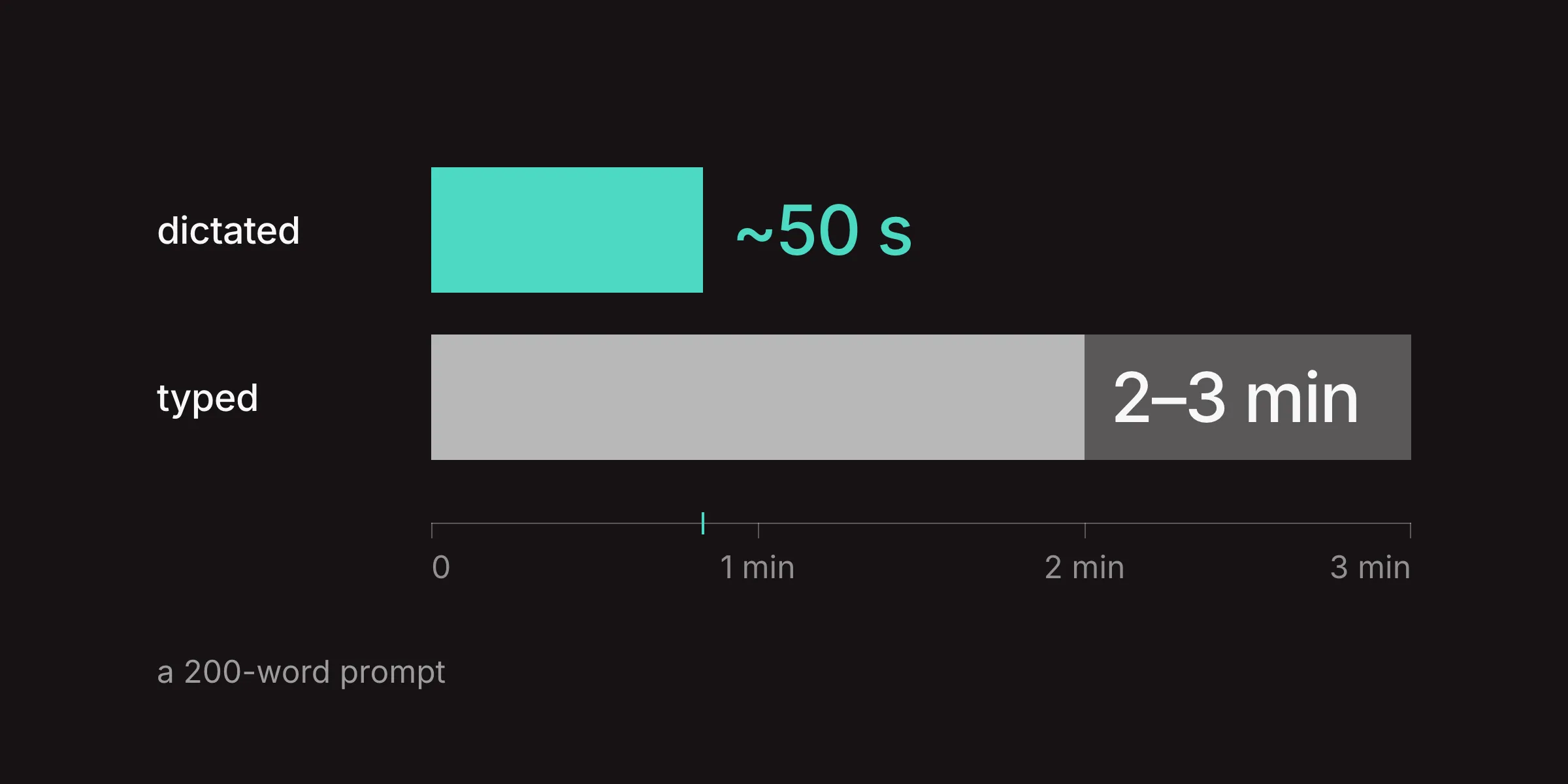
Long prompts are where dictation pays off most. Explaining the context, the audience, what you already tried and what you want back takes a minute of speaking and three or four minutes of typing. Speak it in one go, then read it before you send: a model will happily act on a misheard word.
One conflict to watch: ChatGPT's global shortcut, Option+Space in many versions, opens its quick window over whatever you are doing. If your dictation hotkey involves Option, change one of the two in Settings.
Slack: no native dictation, so bring your own
Slack's desktop app has no dictation in the message box. The microphone there records an audio clip, which Slack can transcribe for the people who receive it, but it does not turn your speech into a typed message. Slackbot prompts are the exception, with a microphone of their own. So on a Mac you have two choices: Apple Dictation or a system-wide dictation app.
Slack is also where tone matters most. A dictated message with full sentences and capital letters can read like a formal letter in a channel where everyone writes in lowercase. Shepit's polish step has per-app styles for this, and in Slack the lowercase style is on by default once you switch polish on. Bold, code and bullet lists are still easier to add from the keyboard after the text lands.
Where dictation shines in Slack is the long reply: the status update, the reasoning behind a decision, the answer to a question that deserves more than an emoji.
Cursor and ChatGPT have built-in voice that types, Slack does not; a system-wide app covers all of them.
As of 5 November 2026, from vendor help pages and Cursor's community forum.
| App | Built-in voice that types | Where it works | System-wide app works | Watch out for |
|---|---|---|---|---|
| Cursor | Since 2.0 | Agent input | Yes | Ctrl+M, 30-second hold limit |
| ChatGPT | Yes | Message box | Yes | Option+Space shortcut |
| Slack | Audio clips only | Slackbot prompts | Yes | Enter sends the message |
| Claude Code | No | None | Yes | File paths are faster typed |
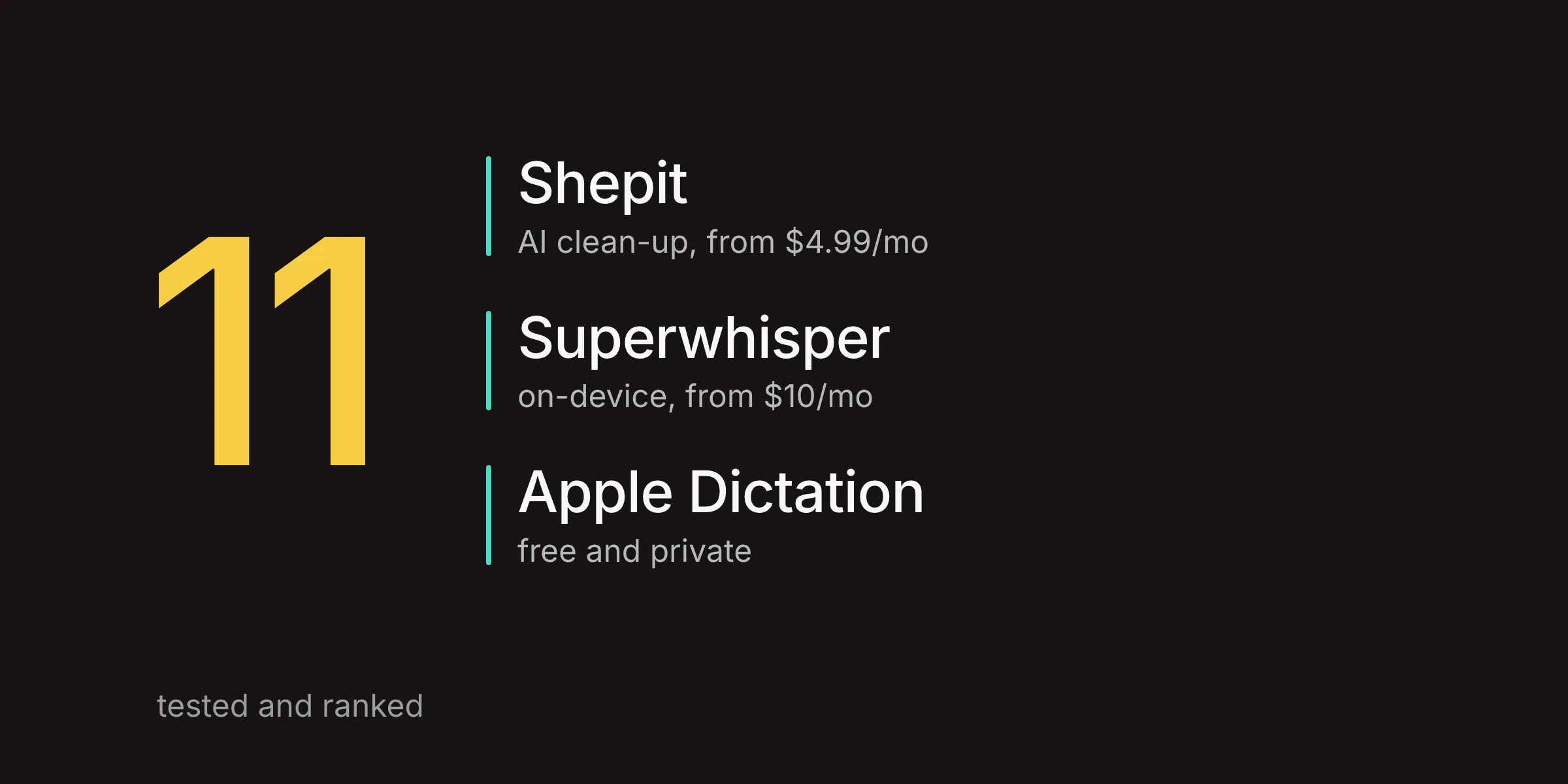
System-wide apps include Shepit (our app), Apple Dictation, Superwhisper and Wispr Flow. Cursor's limits are reported by users on its forum.
Problems that hit all three
Most dictation trouble in these apps comes from four places, and none of them is the speech model:
- The text lands somewhere else. Dictation types wherever the cursor is when the text arrives. Click into the message box first and do not switch windows while it lands. In Cursor, users report that the built-in Ctrl+M can send speech to the main chat while a side chat has focus.
- The hotkey does nothing. Two apps may want the same shortcut: Ctrl+M in Cursor, Option+Space in ChatGPT, the Globe key for Apple Dictation, Spotlight or a launcher. Give your dictation app a key nobody else uses.
- Text is transcribed but never appears. Apps that insert text into other apps need Accessibility permission in System Settings, under Privacy & Security. If it stopped working after an update, removing the app from the list and adding it again can help.
- Everything stops at once. macOS Secure Input, switched on while a password field is focused or by some apps, blocks global hotkeys. Close the password prompt; to find the app holding it, run
ioreg -l -w 0 | grep SecureInputin Terminal.
None of this is specific to one dictation app: Apple Dictation, Shepit, Superwhisper and Wispr Flow all live under the same macOS rules.
Which one fits you
- Short prompts in one app: the built-in voice input in Cursor or ChatGPT is free and enough.
- Slack: Apple Dictation for the odd message, a system-wide app if you write long replies.
- All three plus email, docs and the terminal: one system-wide app with one hotkey. Shepit works in all of them with optional AI clean-up per app; try it in your browser or download it, then from $4.99 a month after the free 30 minutes (pricing).
- Still comparing apps: Best Dictation Apps for Mac in 2026, Best Free Dictation Apps for Mac or Superwhisper vs Shepit.
Questions about dictating into AI and chat apps
Does Cursor have built-in voice input?
Yes. Since Cursor 2.0 the Agent input has a microphone, and you can hold Ctrl+M to talk. Users report a 30-second limit on hold-to-talk and weak results in languages Cursor does not list. A system-wide dictation app works in the editor and terminal as well.
How do I dictate to ChatGPT on a Mac?
Click the microphone (Dictate) in ChatGPT's message box, speak, and edit the text before sending. Or use a system-wide dictation app: click into the message box, hold the hotkey, speak and release.
Can I use voice typing in Slack on a Mac?
Not natively: the microphone in Slack's desktop composer records audio clips. Use Apple Dictation or a system-wide dictation app, and press Return yourself, since Slack sends on Enter by default.
Is speech to text good for AI coding?
For describing tasks, bugs and follow-ups, yes: prompts come out longer and clearer. For code, file paths and symbols, typing is faster. The practical split is described in Voice Dictation for Claude Code.
Why does my dictation app not type into Cursor?
Check four things: the input has focus, the app has Accessibility permission, no other app uses the same hotkey, and Secure Input is not on (a focused password field turns it on).