Superwhisper vs Shepit: Which One to Pick in 2026
Six criteria, one verdict each, and an honest section on when Superwhisper is the better pick.
Quick answer
Pick Superwhisper if you need offline dictation, Windows or phone apps, or custom AI modes: it runs local Whisper models free, and Pro costs $8.49 a month. Pick Shepit (our app) if you dictate on a Mac and want it to work with no setup: one cloud model, optional AI clean-up on every plan, 30 free minutes a month and 10 hours for $4.99. Of seven rows in our comparison, Superwhisper wins three outright, Shepit one, and three are close.
Choosing between Superwhisper and Shepit is choosing between two ideas of what a dictation app should be. I am Shepit's product manager, so weigh this accordingly, but I tried to write the comparison I would want if I were the one choosing: six criteria, one verdict each, and a whole section on when Superwhisper is simply the better pick.
The short version
Superwhisper is a toolkit. You pick a speech model, local or cloud, pick or write a mode that decides how your words are reshaped, and tune it per app. It runs offline, on four platforms, and it rewards people who enjoy configuring things.
Shepit is a single tool. You hold a key, speak and release; one cloud model does the transcription, and an optional polish step tidies the result. There is nothing to choose and no model to download, and nothing works without internet.
If you want offline, Windows or deep customisation, pick Superwhisper. If you want dictation that works well in the first minute, on a Mac, at the lowest paid price, Shepit is worth a try. The reasoning follows.
Superwhisper rewards configuration. Shepit tries to make it unnecessary.
Six criteria, one by one
Accuracy
Neither company publishes a word error rate for its app, and I did not run a controlled test, so this is a reading of how each is built. Superwhisper's accuracy depends on the model you choose: small local Whisper models are fast but weaker on accents and jargon, Large v3 and the Pro local models are better, and its cloud models (Pro only) sit in the same class as what cloud apps use. Shepit uses one cloud model, picked after the engine tests Oleksij describes in How I chose a speech-to-text engine, plus a dictionary of up to 100 terms passed to the model as hints. It also learns from your corrections: fix the same term in three dictations within 30 days and it joins the dictionary on its own. Verdict: comparable at the top end; Shepit gets there without choosing a model.
Speed of getting text on screen
Both paste the text at your cursor when you finish. Superwhisper pastes through the clipboard and restores what was there before; with Nova, Scribe or Parakeet models it can also transcribe in real time, while large local models are slower, especially on older Macs. Shepit cuts a long recording at pauses and transcribes the pieces while you are still speaking, so even a long dictation lands seconds after you release the key (how that works), and it trims silence before sending the audio (the measurements). Neither publishes a latency figure. Verdict: no measured winner; Superwhisper's speed depends on the model, Shepit's on your connection.
AI clean-up
This is Superwhisper's strongest column. Built-in modes (Message, Mail, Note, Super) and custom modes with your own prompt can turn rambling speech into a formatted email, switch automatically per app or website, and on Pro read the current app, copied text or selected text for context. Nearly all of it runs on cloud language models and needs Pro. Shepit has one optional polish step, off by default and set per app: it adds punctuation, fixes misheard words and smooths out self-corrections, and it is included on every plan, Free too. It does not reshape your text, read your screen or translate. Verdict: Superwhisper for control, Shepit for a light touch with no setup.
Offline
Superwhisper works fully offline with local models, and its documentation says nothing leaves the device in that setup. Shepit sends audio to its servers and on to a speech-to-text provider; our server does not keep it after the request. If you dictate on planes or handle material that must stay on your Mac, this criterion decides on its own. Verdict: Superwhisper. More in Best Offline and Private Dictation Apps for Mac.
Price
Superwhisper's free plan gives unlimited local Whisper use, and new users get 3,000 words of Pro to try. Pro is $8.49 a month, $84.99 a year or $249.99 lifetime, and one licence covers Mac, Windows, iPhone and Android. Shepit Free is 30 minutes a month with AI clean-up included; Basic is $4.99 a month for 10 hours, Pro $14.99 for unlimited use, monthly only, plus tax that varies by country (pricing). Verdict: Shepit is cheaper up to 10 hours a month; above that, Superwhisper's yearly or lifetime licence wins.
Languages
Superwhisper lists 100+ languages, but the count depends on the model: Whisper and Superwhisper's own cloud model cover the most, Parakeet Multilanguage 24 and Cohere Transcribe 14. Shepit supports 100 languages with one model and no setting to change between dictations. Its weaker spot is two languages mixed inside one sentence. Verdict: a tie on coverage; Shepit is simpler if you switch languages through the day.
Superwhisper takes offline, clean-up control and platforms; Shepit takes price up to 10 hours a month.
Features and prices as of 27 October 2026, from vendor documentation. No controlled accuracy or latency test.
| Criterion | Superwhisper | Shepit | Verdict |
|---|---|---|---|
| Accuracy | Depends on model | One cloud model | Close at the top end |
| Speed to text | Realtime on some models | Pieces while you speak | No measured winner |
| AI clean-up | Modes, prompts, Pro | One polish step, all plans | Superwhisper for control |
| Offline | Yes | No | Superwhisper |
| Price | Free local; $8.49/mo | Free 30 min; $4.99/mo | Shepit up to 10 h a month |
| Languages | 100+, by model | 100 | Tie |
| Platforms | Mac, Windows, iOS, Android | Mac only | Superwhisper |
Shepit is our app. Prices exclude tax and vary by country.
When Superwhisper is the better choice
In any of these cases I would not try to talk you out of Superwhisper:
- You need offline dictation. Shepit cannot do it at all. Superwhisper does it on the free plan.
- You work across Mac and Windows, or dictate on your phone. One Superwhisper licence covers four platforms. Shepit is Mac-only.
- You want speech reshaped, not just tidied. Custom modes with your own prompts, context from selected text, automatic per-app switching: Shepit has nothing comparable.
- You dictate many hours a month and prefer to pay once. The $249.99 lifetime licence costs about three years of Superwhisper's yearly plan, or about 17 months of Shepit Pro.
- You transcribe recordings. Superwhisper Pro transcribes files; Shepit is built for live dictation only.
- Your Mac is older. Shepit needs Apple silicon and macOS 26 or later.
Superwhisper's cost is time: choosing models, writing modes and finding the right balance of speed and accuracy for your Mac. Some people enjoy that part. If you are one of them, it is the better tool for you.
Which one fits you
- Offline, Windows, phones or deep customisation: Superwhisper.
- A Mac, a minute to set up, light clean-up and the cheapest paid plan: Shepit. Try it in your browser first, or download it and dictate 30 minutes free.
- Not sure: both have free tiers. Dictate the same week of messages in each and keep the one you stopped noticing.
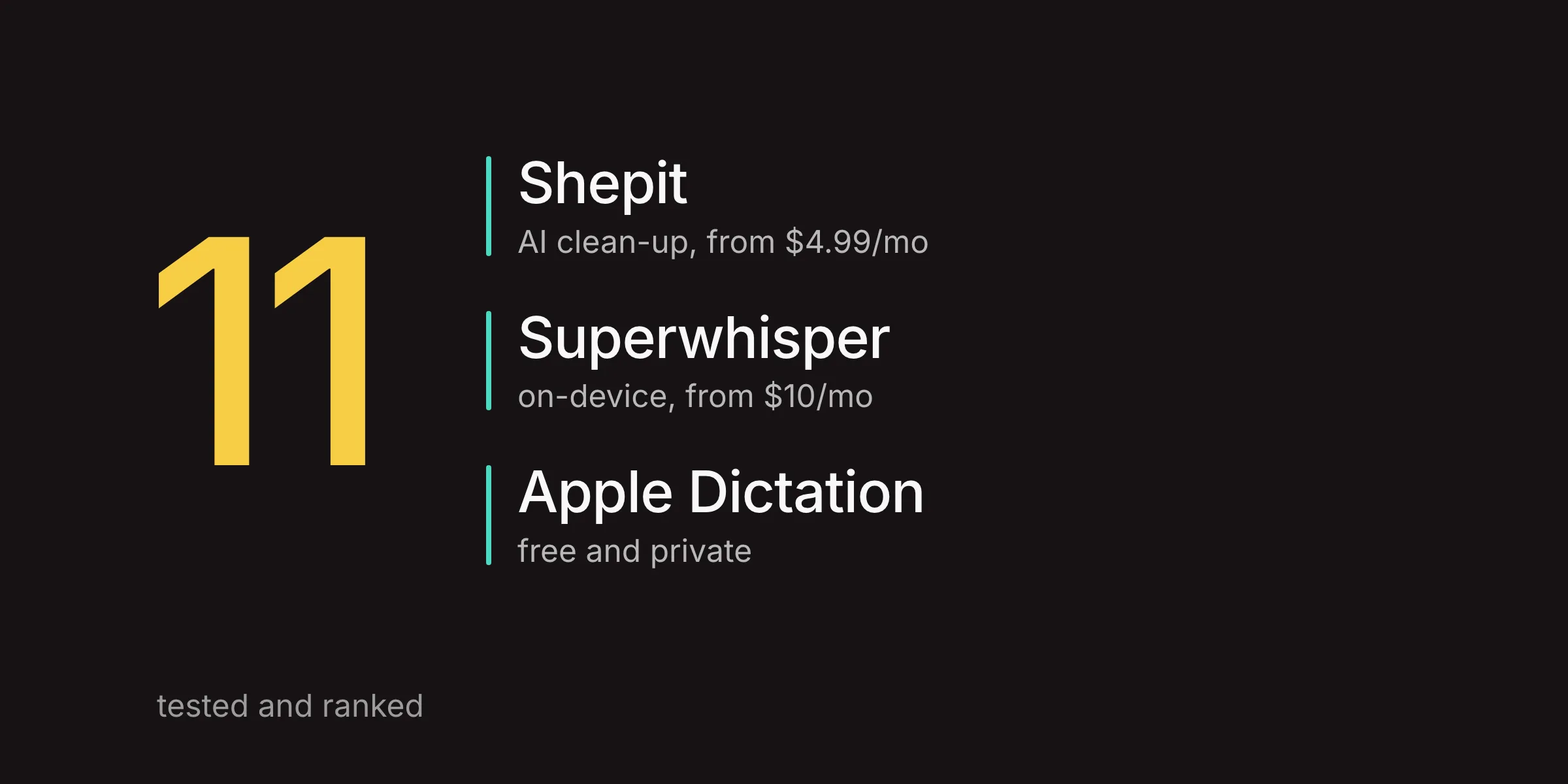
Still shopping? Best Superwhisper Alternatives compares five more apps, Best Dictation Apps for Mac in 2026 covers eleven, and Best Free Dictation Apps for Mac goes through every free tier.
Questions about Superwhisper and Shepit
Is Superwhisper worth it in 2026?
Yes, if you want offline dictation or configurable AI modes. The free plan already gives unlimited local Whisper use; Pro at $8.49 a month adds cloud models, AI language models and file transcription.
Does Superwhisper work on Windows?
Yes. Superwhisper runs on Windows 10 and 11, iPhone and Android as well as Mac, with one licence for all of them. A few features, such as Meetings and simulated keypresses, have not reached Windows yet. Shepit is Mac-only.
Can Shepit replace Superwhisper for offline use?
No. Shepit transcribes in the cloud and needs an internet connection. For offline work, keep Superwhisper or another local app; see Best Offline and Private Dictation Apps for Mac.
What are Superwhisper's main competitors?
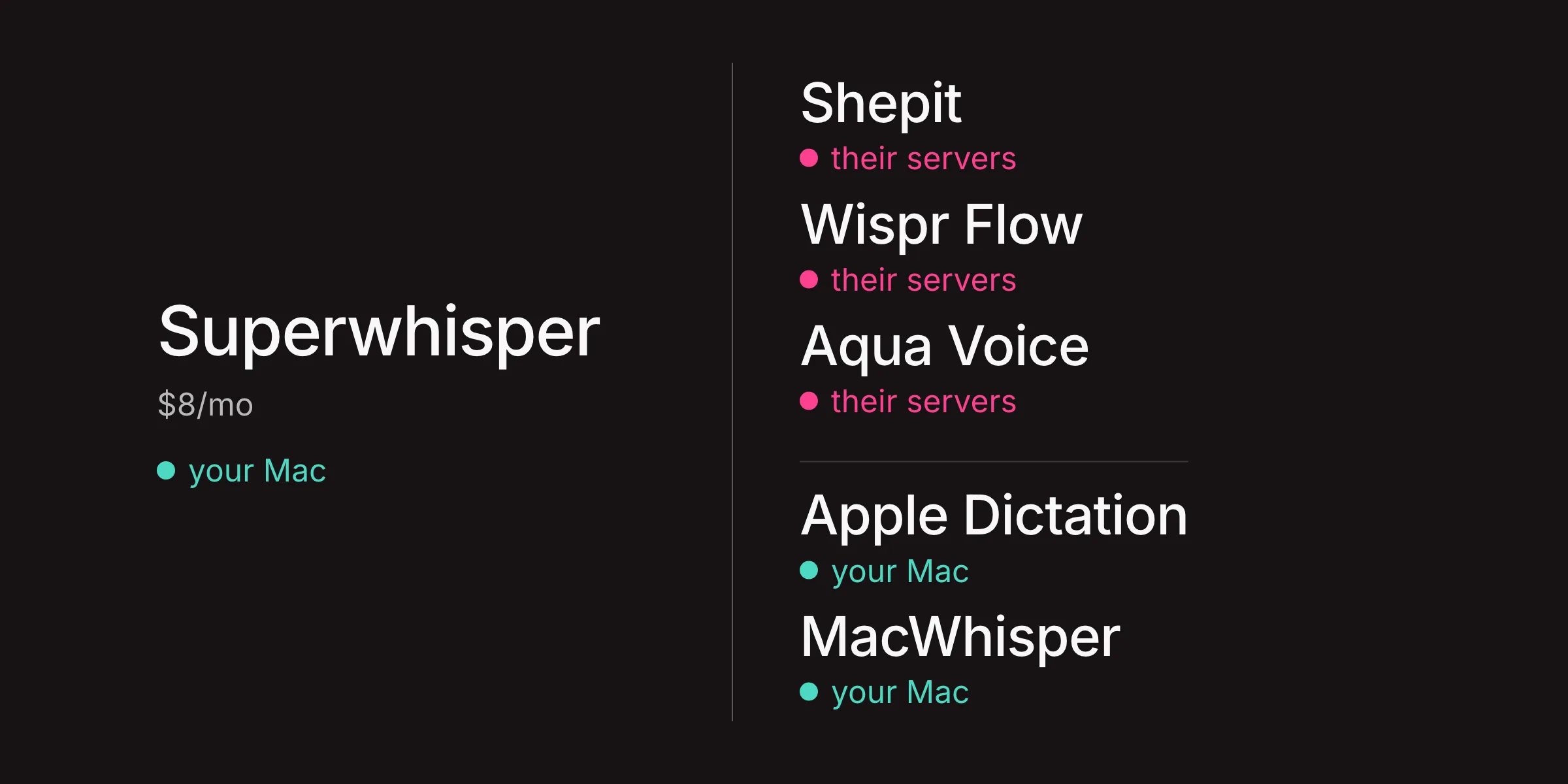
Wispr Flow, Shepit, Aqua Voice, VoiceInk, MacWhisper and Apple Dictation. Best Superwhisper Alternatives compares them side by side, and Best Wispr Flow Alternatives covers the market leader's rivals.
Can I run Superwhisper and Shepit on the same Mac?
Yes, as long as they use different hotkeys. Shepit's default is Right Shift, and you can change it in Settings.