Voice Dictation for Claude Code on Mac
Quick answer
Hold a key, speak your prompt, release - it lands in Claude Code ready to send. A 200-word prompt takes about fifty seconds to dictate instead of two minutes to type. Any Mac dictation app works; apps with an AI cleanup pass, once you switch it on, can also tidy filler words and polish your sentences. Details below.
I spend two to three hours a day in Claude Code - product briefs, issue descriptions, content plans. Six weeks ago I started dictating those prompts instead of typing them. A prompt that took two minutes to type takes about fifty seconds to speak, and it comes out more detailed because I stop shortening things to save keystrokes.
- faster than typing a prompt
- 3×
A 200-word prompt: about 50 seconds dictated, two to three minutes typed.
Why dictate into Claude Code
Claude Code prompts are natural language. You describe what you want, explain a bug, outline a feature - in your own words, not in syntax. That makes them a natural fit for dictation.
Speaking is roughly three times faster than typing for most people. A 200-word prompt - the length of a detailed task description - takes about fifty seconds to dictate and two to three minutes to type. Over a day of ten to fifteen prompts, that adds up to thirty or forty minutes.
The bigger gain is not speed but detail. When I type, I shorten things. When I dictate, I explain context, edge cases, and the reasoning behind a decision. Claude Code does better work with more context, and dictation removes the friction of providing it.
What you need
- A Mac with Claude Code installed - the CLI runs in Terminal, iTerm, Warp, or any terminal emulator
- A dictation app that works system-wide: Shepit, Superwhisper, Wispr Flow, MacWhisper, or Apple's built-in Dictation
- A microphone - the built-in one works, a headset in a noisy room is better
Apple Dictation is free and ships with every Mac. It types your words into the terminal as you speak, with basic punctuation from the speech engine. Filler words stay, and formatting is limited to spoken commands ("period", "comma", "new line").
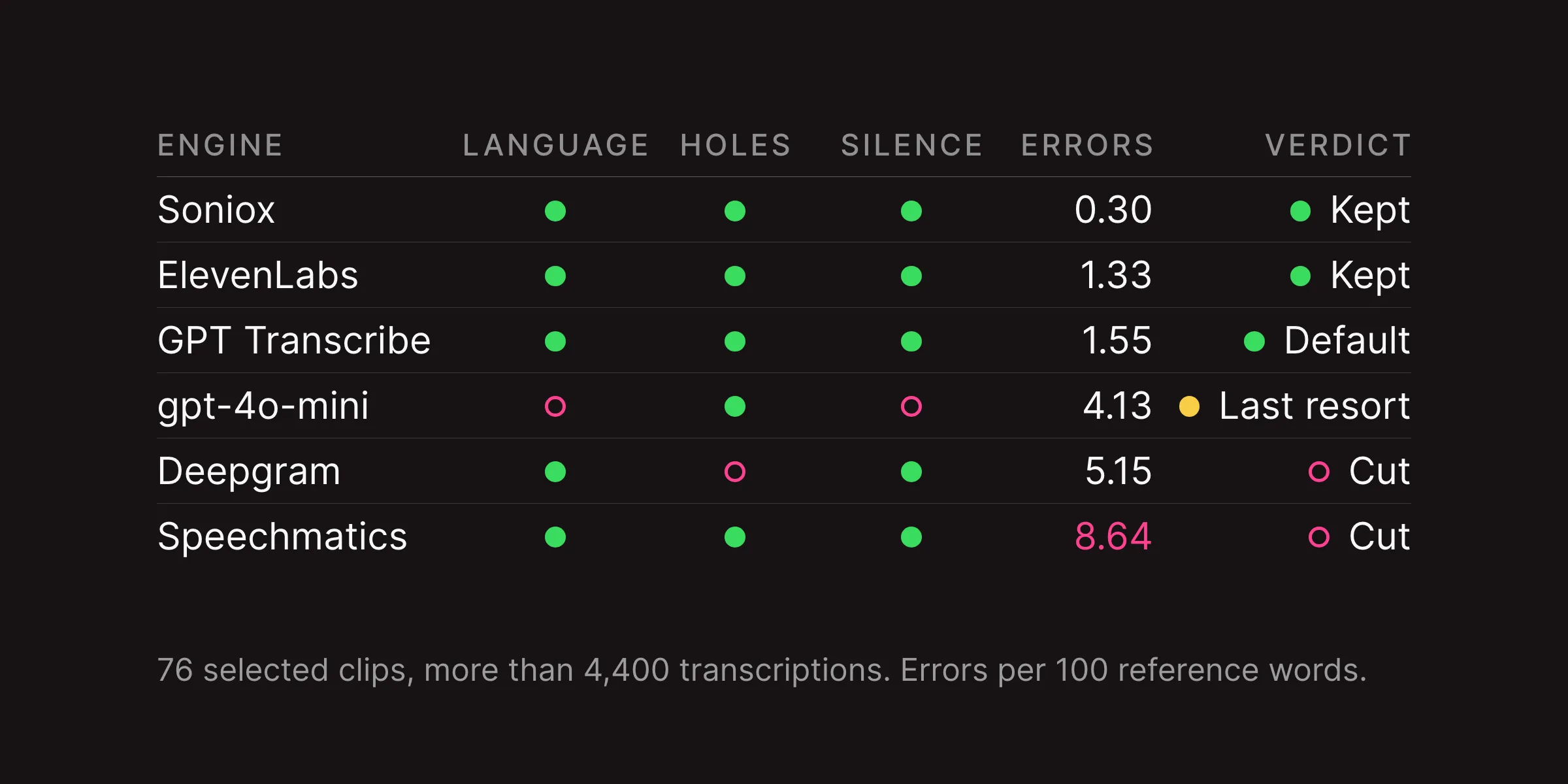
AI dictation apps like Shepit, Superwhisper, and Wispr Flow offer an optional cleanup pass that polishes the text before it lands. In Shepit it is off by default and you switch it on per app. With cleanup on, a language model is asked to smooth out filler words and false starts and to tidy the sentences; how much it changes varies, so read the result before you send it. For a prompt that Claude Code will act on, clean input matters.
How to dictate a prompt
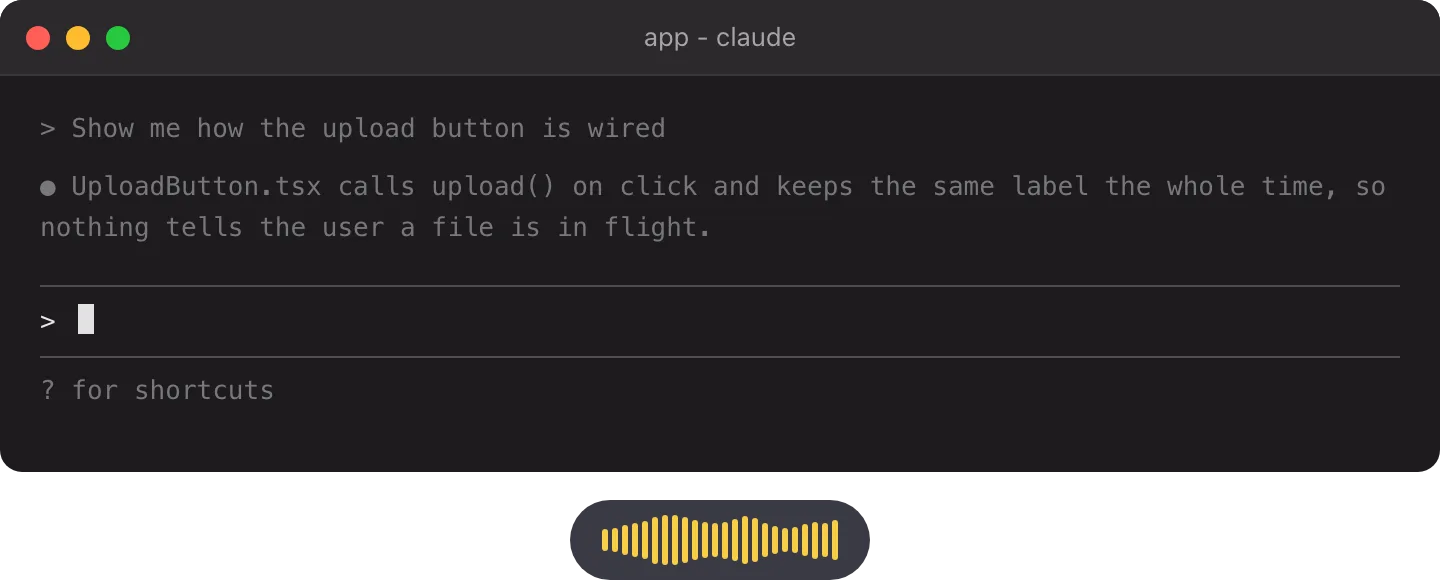
The workflow is the same across dictation apps:
- Click the Claude Code input in your terminal
- Hold the dictation hotkey - in Shepit the default is
Right Shift, and you can change it in Settings - Speak your prompt: describe the task, the context, the constraints
- Release the key
- The text appears in the input, punctuated by the speech engine (and polished if AI cleanup is on)
- Press
Returnto send
Claude Code does not know whether the text was typed or dictated. It receives the same string either way.
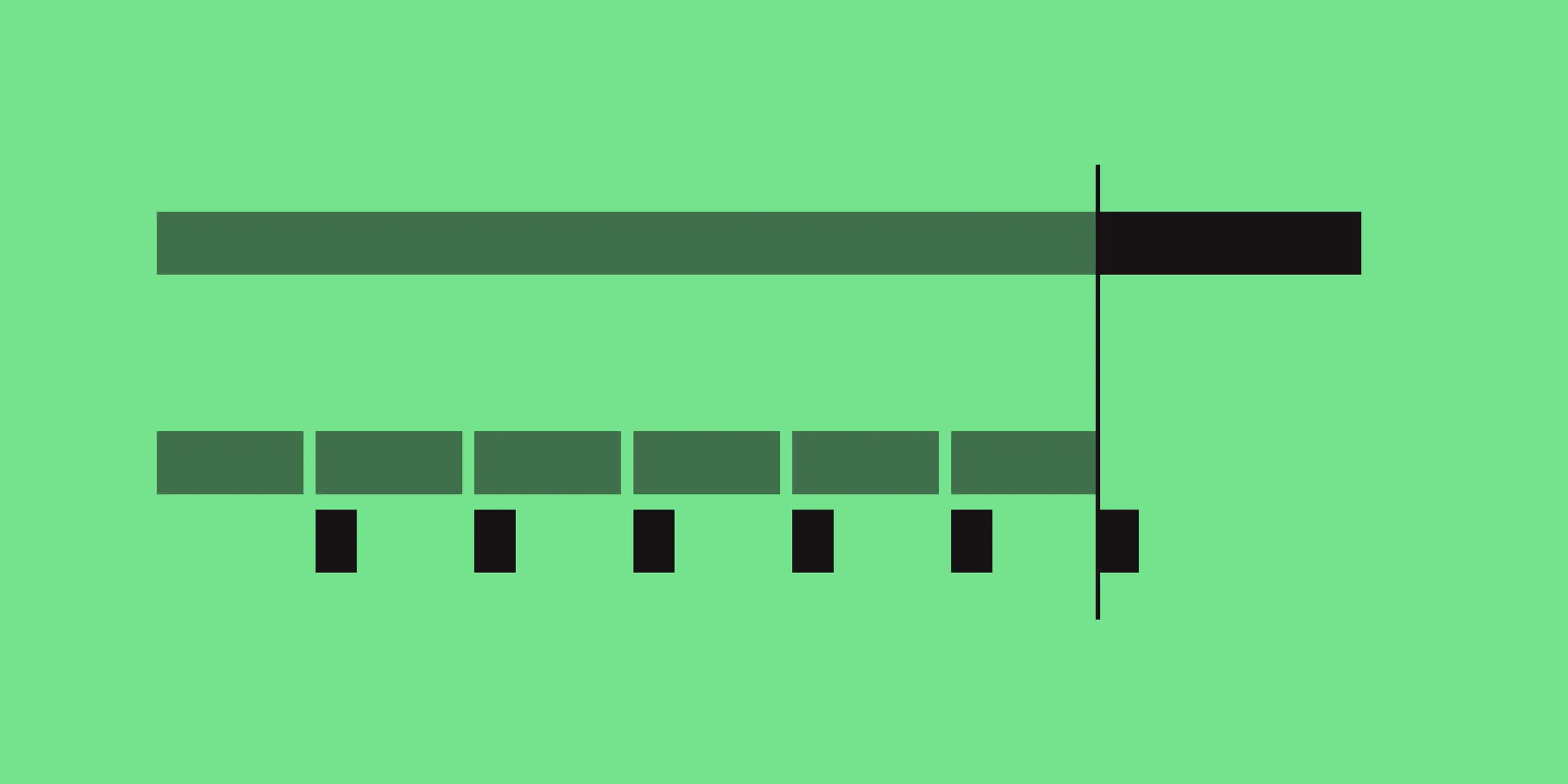
For long prompts I dictate in one go. Shepit cuts a long recording at pauses and transcribes the pieces while you speak, so the text still lands within seconds (how it works), and it trims the thinking pauses before transcription (the measurements). For a prompt that mixes natural language with file paths or code, I dictate the description first and type the technical parts after.
What dictation handles well
Dictation works for the parts of Claude Code that are plain English:
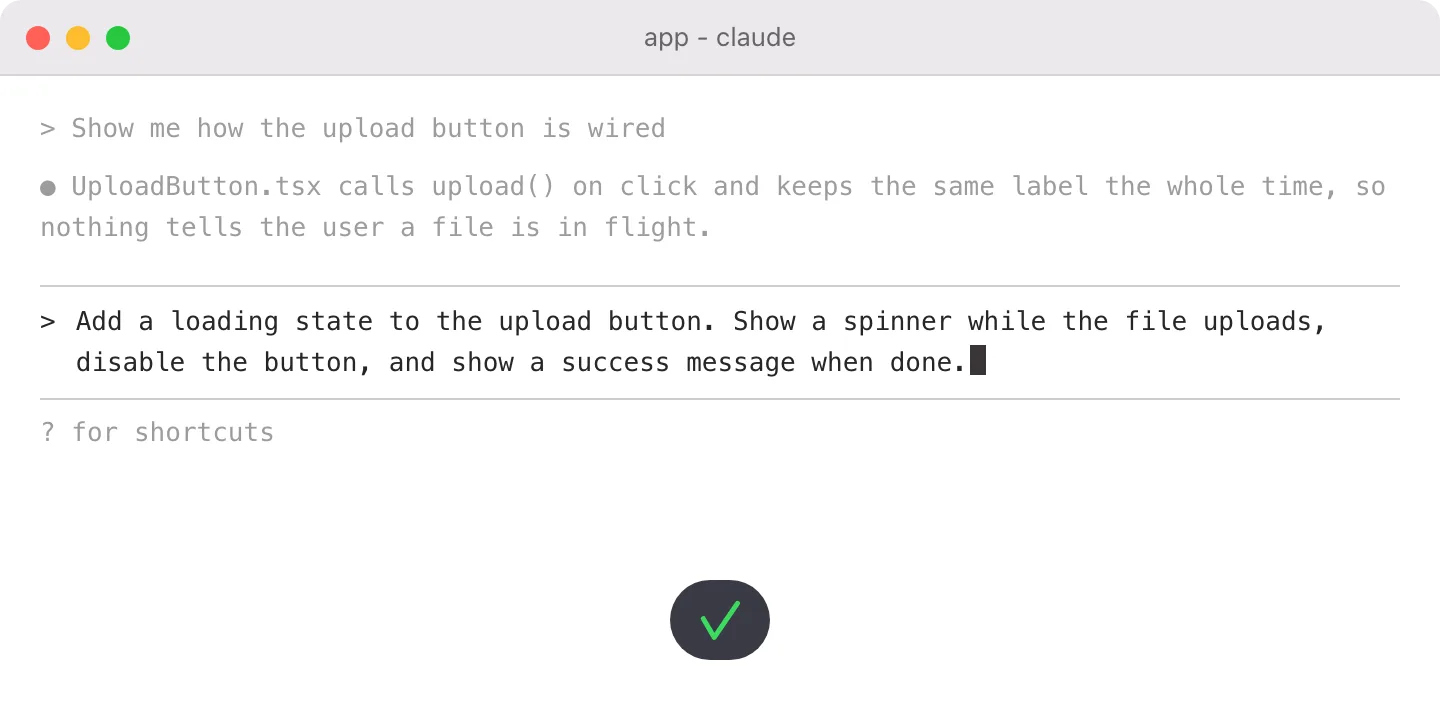
- Task descriptions: "Add a loading state to the upload button. Show a spinner while the file uploads, disable the button, and show a success message when done."
- Bug reports: "The sidebar collapses when I resize below 768 pixels, but it does not reopen when I go back above that width."
- Product briefs: "Write a spec for the settings page. Three sections: account, billing, notifications. Account has name, email, password change. Billing shows the current plan and links to the Stripe portal."
- Commit messages and PR descriptions: dictate what changed and why
- Follow-ups: "That is close, but move the error message above the form and make it red instead of gray."
The pattern: if you would explain it to a colleague out loud, you can dictate it into Claude Code.
Where it gets tricky
Dictation is not a replacement for the keyboard. Some parts of a prompt are faster to type:
- File paths and code references:
/src/components/UploadButton.tsxis faster to type or paste than to spell out. I dictate the description, then type the path. - Code snippets inside prompts: if the prompt includes a code sample, type that part. Dictation handles words, not syntax.
- Rare technical jargon: uncommon abbreviations and library-specific terms can trip up any engine. Shepit and Superwhisper let you add custom terms so the engine learns your vocabulary.
- Noisy environments: an open-plan office makes dictation impractical. I dictate at my desk; in a shared space I type.
Dictate the intent, type the specifics.
Other dictation apps for Claude Code
Any dictation app that types system-wide works with Claude Code. The difference is in how the text is processed before it lands:
- Apple Dictation - free, built into macOS. Punctuated transcription from the speech engine, no AI cleanup. Fine for short prompts.
- Shepit - optional AI cleanup (off by default, switched on per app) that polishes speech and smooths out self-corrections. Custom vocabulary for technical terms. Audio is processed on Shepit's servers. Starting at $4.99/month. Disclosure: this is our app.
- Superwhisper - local processing, multiple AI modes, works offline. $8/month.
- Wispr Flow - AI cleanup with a personal model that adapts to your writing style. $10/month.
The same apps work with Cursor, Codex CLI, and any other AI coding tool that accepts text input. For a detailed comparison of eleven dictation apps, see Best Dictation Apps for Mac in 2026. If you are weighing Superwhisper specifically, see Best Superwhisper Alternatives in 2026.
Questions we get
Does Claude Code support voice input natively?
No. Claude Code is a text-based CLI. A dictation app types your spoken words into the terminal input. The result is the same as if you typed the prompt by hand.
Can I dictate code, not just prompts?
Dictation handles natural language well. Code syntax - brackets, operators, indentation - is faster to type. The practical approach: dictate the description of what you want Claude Code to build, not the code itself.
Does dictation work with Claude Code in VS Code?
Yes. The Claude Code extension in VS Code and JetBrains uses the same text input. A dictation app types into whatever text field is active, including the Claude Code panel inside your IDE.
Which dictation app is best for Claude Code?
Any app that types system-wide works. If you want an AI cleanup pass for tidier wording and punctuation, Shepit, Superwhisper, and Wispr Flow offer one; check the result before you send it. Apple Dictation works for short literal prompts. See Best Dictation Apps for Mac in 2026 for a full comparison.