Apple Dictation vs Shepit: When the Free One Is Enough
Six criteria, one verdict each, and an honest section on when you should not pay for dictation at all.
Quick answer
Stay with Apple Dictation if you dictate short messages: it is free, built into every Mac, has no time limit and runs on-device for 48 of its 63 languages. Pick Shepit (our app) if you dictate long text or a lot of names and jargon: optional AI clean-up removes filler words and self-corrections, a 100-term dictionary handles your vocabulary, and 100 languages work without switching. Shepit needs internet; 30 minutes a month are free, then from $4.99. Of seven rows in our comparison, Apple Dictation wins four and Shepit three.
Every Mac already has a dictation app, and it costs nothing. So the fair question about Shepit, or any paid dictation app, is not whether it is good but whether it beats the free one by enough to matter for the way you write. I am Shepit's product manager, so weigh this accordingly. I tried to write the comparison I would want myself: six criteria, one verdict each, and a whole section on when Apple Dictation is all you need.
The short version
Apple Dictation is a transcriber. You press a shortcut, speak, and your words appear as you said them, with punctuation added in many languages. It is private by default for most languages, has no time limit and needs no account.
Shepit is a transcriber plus an editor. You hold a key, speak and release; one cloud model transcribes, and an optional polish step removes the "um", the restarts and the "no, Thursday" before the text lands. It knows your names and terms if you tell it, or after you correct them a few times.
The difference barely shows in a two-line message. It shows in the third paragraph of an email, when you either send what you said or spend a minute cleaning it up.
Apple Dictation writes down what you said. Shepit writes down what you meant to say.
Six criteria, one by one
Accuracy and your vocabulary
Neither Apple nor we publish a word error rate for everyday dictation, and I did not run a controlled test, so this is about how each handles the words that usually go wrong. Apple Dictation has no custom vocabulary: a colleague's surname, a product name or an internal acronym comes out however the system guesses it, every time. Shepit has a dictionary of up to 100 terms, passed to the speech model as hints, and it learns from your corrections: fix the same term in three dictations within 30 days and it joins the dictionary on its own. Verdict: Shepit, if your writing is full of names and jargon; no clear winner on plain everyday speech.
Clean-up
Apple Dictation adds commas, periods and question marks automatically in 33 languages, and you can say "new line" or "comma" for the rest. On macOS 27, Apple Intelligence can also fix spelling, punctuation and capitalisation as you dictate, in English, on Macs with M3 or newer and 12 GB of memory. What you say still lands as you said it: fillers, restarts and second thoughts included. Shepit's optional clean-up removes filler words, smooths self-corrections and fixes misheard words, with a style set per app, such as lowercase in Slack. It is off by default and included on every plan. Verdict: Shepit.
Privacy and offline
Apple Dictation runs on your Mac for 48 of its 63 language variants once the speech model is downloaded, so for most languages your audio never leaves the computer and dictation works on a plane. Shepit sends audio to its servers and on to a speech-to-text provider; our server does not keep it after the request, and without internet nothing works. Verdict: Apple Dictation. Other local options are in Best Offline and Private Dictation Apps for Mac.
Languages
Apple Dictation covers 63 languages and variants. You can enable several, but switching is manual: click the language next to the cursor or press the Globe key. Shepit supports 100 languages and needs no switch between dictations: say one message in English and the next in Spanish, and you change nothing in between. Two languages inside one sentence are still its weak spot. Verdict: Shepit, if you write in more than one language every day.
Price
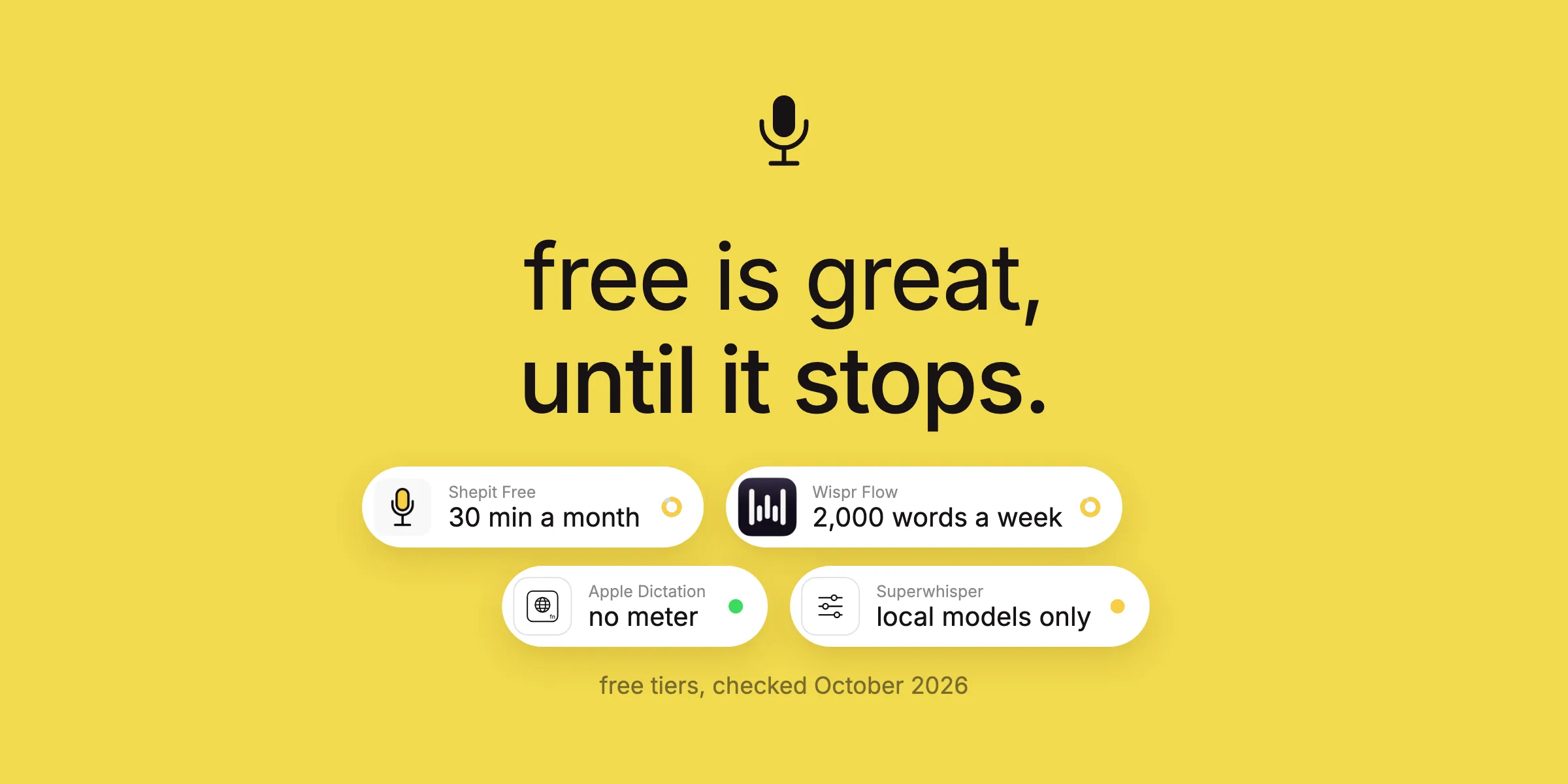
Apple Dictation is free with no limits. Shepit Free is 30 minutes a month with clean-up included; Basic is $4.99 a month for 10 hours and Pro $14.99 for unlimited use, plus tax that varies by country (pricing). Verdict: Apple Dictation, obviously. The real question is whether the editing time you save is worth five dollars, and only your own week of dictation answers it.
Setup and control
Apple Dictation needs one switch in System Settings > Keyboard > Dictation, and you press a shortcut to start and stop; it also stops by itself after 30 seconds of silence. Shepit is a download with microphone and Accessibility permissions, then hold-to-talk: hold Right Shift (or your own key) while you speak, release to finish, so it never cuts you off in a pause. Verdict: Apple Dictation for zero setup; Shepit's hold-to-talk is a matter of taste.
Apple Dictation takes privacy, price, setup and platforms; Shepit takes vocabulary, clean-up and languages.
Features and prices as of 19 November 2026, from Apple's documentation and ours. No controlled accuracy test.
| Criterion | Apple Dictation | Shepit | Verdict |
|---|---|---|---|
| Your vocabulary | No custom words | 100 terms, learns | Shepit |
| Clean-up | Punctuation; English fixes on M3+ | Optional, all plans | Shepit |
| Languages | 63, manual switch | 100, no switching | Shepit for several languages |
| Privacy and offline | On-device, 48 of 63 | Cloud only | Apple Dictation |
| Price | Free | Free 30 min; $4.99/mo | Apple Dictation |
| Setup | Built in | Download, permissions | Apple Dictation |
| Platforms | Every Mac, iPhone, iPad | Mac, Apple silicon | Apple Dictation |
Shepit is our app. Prices exclude tax and vary by country. Apple Intelligence clean-up: macOS 27, English, M3 or newer with 12 GB of memory.
When Apple Dictation is the better choice
In any of these cases I would not try to talk you into a paid app:
- You dictate short messages. A reply, a reminder, a search query. There is nothing to clean up in ten words.
- Your audio must stay on the Mac. For 48 languages it does, and Shepit cannot offer that at all.
- You dictate offline. Planes, trains, bad Wi-Fi: Apple Dictation keeps working, Shepit stops.
- Your Mac is older or Intel. Shepit needs Apple silicon and macOS 26 or later; Apple Dictation runs on every supported Mac.
- You want dictation on your iPhone and iPad too. Apple Dictation is on every Apple device. Shepit is Mac-only today.
- You do not want another subscription. That is a perfectly good reason.
The sign that you have outgrown it is simple: you catch yourself typing long text that you could have said, because fixing the dictated version takes longer than typing it.
Which one fits you
- Short messages, offline, or audio that must stay local: Apple Dictation.
- Long emails and documents, names and jargon, several languages a day: Shepit. Try it in your browser first, or download it and dictate 30 minutes free.
- Not sure: dictate the same three emails with each and count the edits.
Still comparing? Best Dictation Apps for Mac in 2026 covers eleven apps, Best Free Dictation Apps for Mac every free tier, and Superwhisper vs Shepit the main paid rival.
Questions about Apple Dictation and Shepit
Is Apple Dictation good enough?
For short messages, yes. It is free, has no time limit and runs on-device for most languages. It becomes limiting for long text, because it keeps filler words and restarts, and for names and jargon, because it has no custom vocabulary.
Does Apple Dictation work offline?
For 48 of its 63 language variants, yes, once the speech model has downloaded. Shepit always needs an internet connection.
Does Apple Dictation remove filler words?
Apple does not document filler-word removal. It adds punctuation automatically in 33 languages, and on macOS 27 Apple Intelligence can fix spelling, punctuation and capitalisation in English on M3 or newer Macs. Shepit's optional clean-up removes fillers and smooths self-corrections.
Can I use Apple Dictation and Shepit on the same Mac?
Yes, as long as they use different shortcuts. Shepit's default is Right Shift, and you can change either one in its settings.
Is Apple Dictation private?
For languages that support on-device dictation, your audio stays on the Mac. For the others, it is sent to Apple. Check System Settings > Keyboard > Dictation to see which applies to your languages.