Best Offline and Private Dictation Apps for Mac in 2026
Which Mac dictation apps keep your audio on the device, what offline costs you in accuracy, and where a cloud app stores your words.
Quick answer
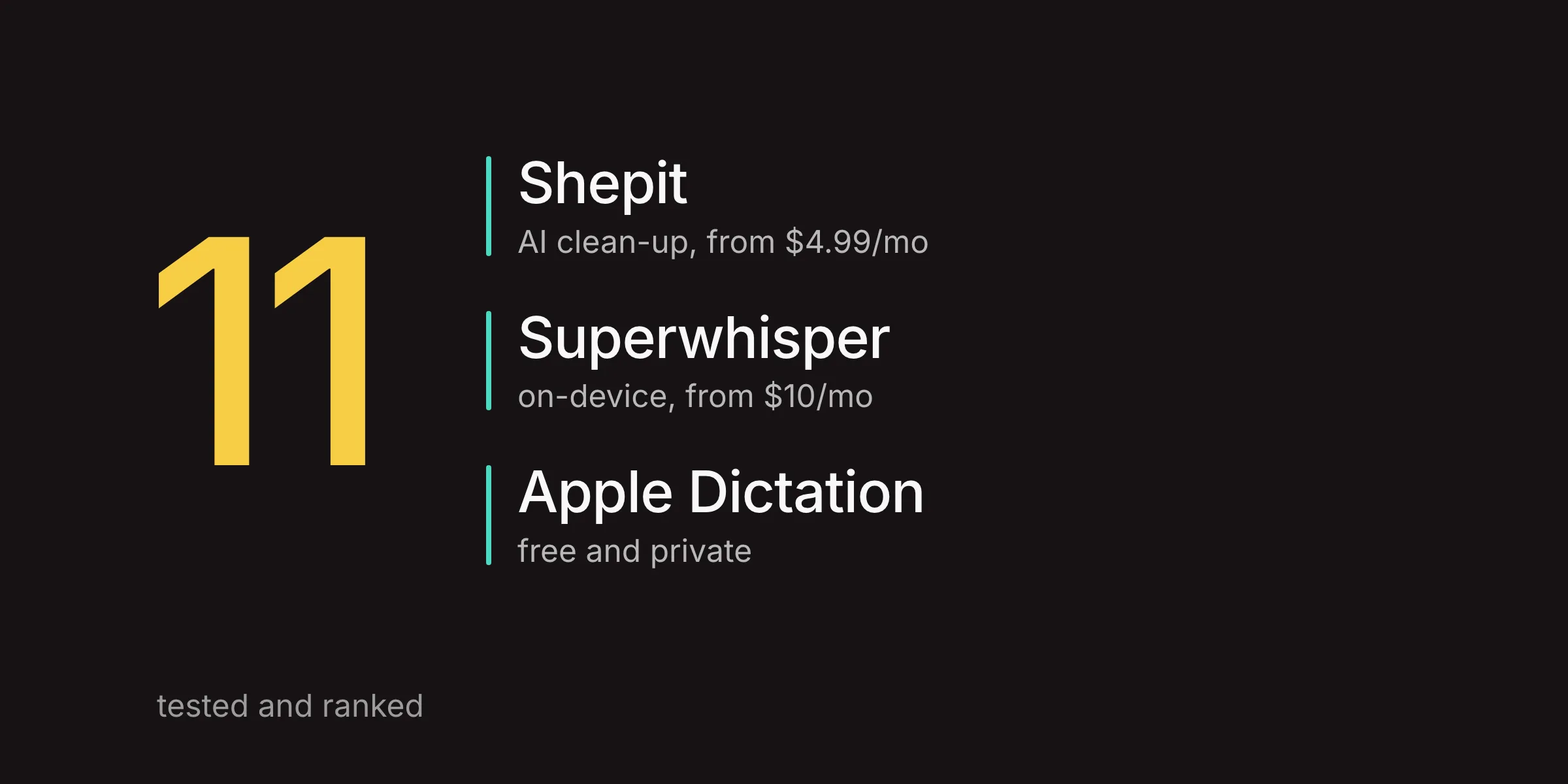
The best offline dictation app for Mac is Superwhisper with a local model: unlimited local Whisper on the free plan, and nothing leaves the device. Apple Dictation is free and runs on-device for 48 of its 63 language variants; VoiceInk, MacWhisper and the open-source Handy also dictate without internet. The cost of offline is accuracy: on a public benchmark, Whisper large-v3 makes about 57% more errors in English than the best cloud model. If accuracy matters more than offline, Shepit (our app, cloud-based) gives 30 free minutes a month.
A dictation app hears everything you say into it: the email to your lawyer, the half-formed product idea, a client's name. So "where does my audio go?" is a fair first question, and "will it work on a plane?" a fair second. I compared the Mac apps that can dictate with no internet connection, and I am upfront about one that cannot: ours.
Offline and private are two questions
Offline means the speech model runs on your Mac, so dictation keeps working with Wi-Fi off. Private means your audio and text do not end up somewhere you did not agree to. A local app answers both at once: if nothing leaves the Mac, there is nothing to store anywhere else.
Cloud apps split the questions. None of them works offline, but they differ a lot in what they keep: some delete audio as soon as the text comes back, some store it for training unless you opt out, some read your screen for context. For a cloud app, the privacy policy matters more than the feature list.
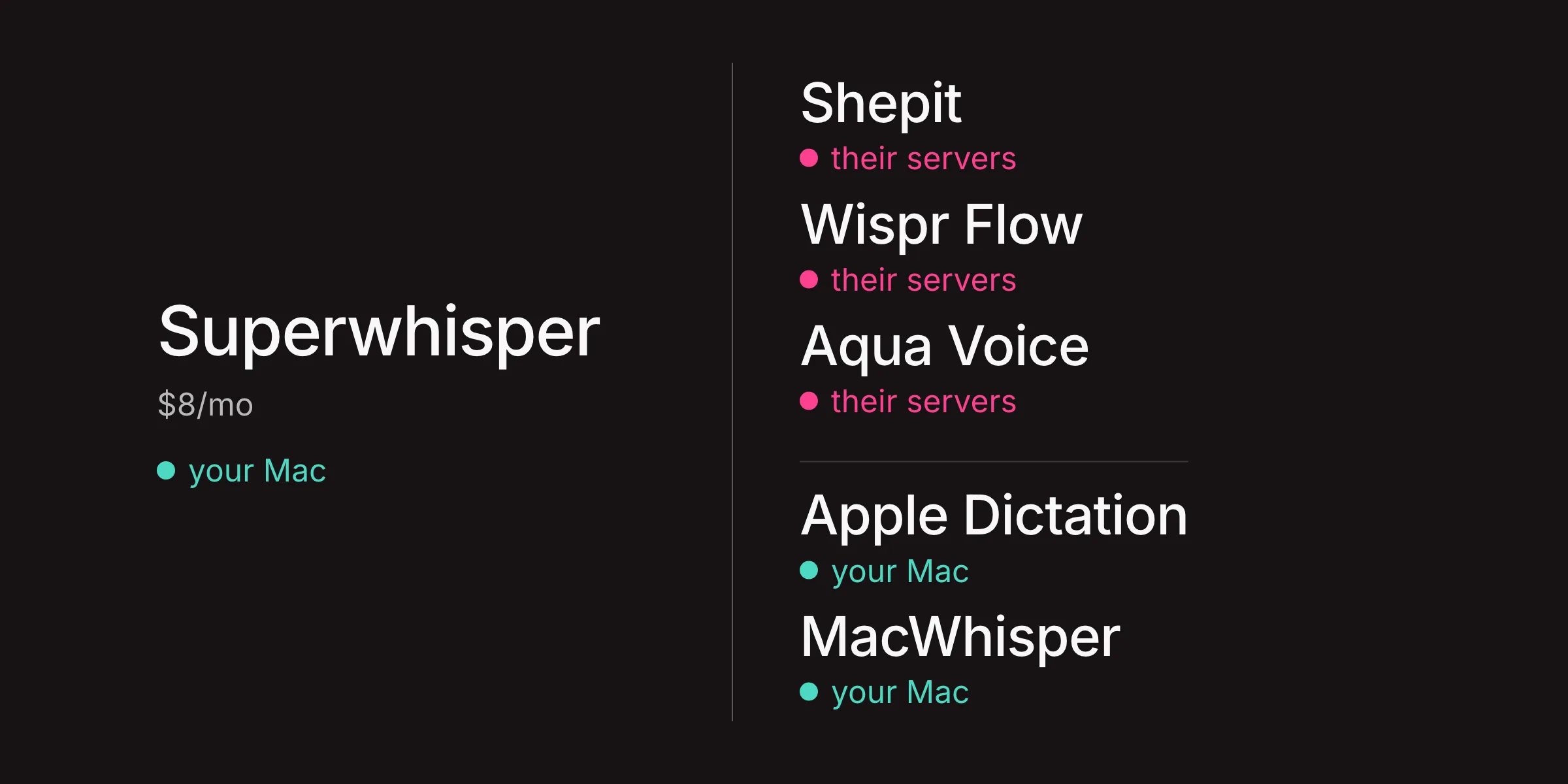
And some apps are both, depending on a setting. Superwhisper is local with local models and cloud with cloud models. Apple Dictation is local for most languages and server-based for the rest. That is why the table below has a column for where the audio goes, not just a yes or no for offline.
Apple Dictation: on-device for most languages
The free option is also a private one, mostly. For 48 of the 63 language and region variants Apple supports, Dictation runs on your Mac after a one-time model download and works with no connection at all. Keyboard settings show whether your language is processed on the device. If it is not (Ukrainian, Polish, Czech and Hindi are among those that are not), audio goes to Apple's servers. Apple says it does not store that audio unless you opt in to Improve Siri & Dictation, and transcripts are tied to a random, rotating identifier.
What you get offline is plain dictation: automatic punctuation in supported languages, no clean-up and no custom vocabulary. On M3 and later Macs, an on-device model also improves spelling and punctuation, in English only. For short notes on a train, that is all you need. For anything longer, the next apps go further.
Superwhisper: the most complete local app
Superwhisper is where I would send a privacy-minded power user first. It runs Whisper models locally, from Tiny to Large v3 Turbo, and on the Pro plan adds Parakeet and Cohere Transcribe models; Superwhisper calls the latter its most accurate local model. With a local model selected, its documentation says no audio or transcripts leave the device. The free plan includes unlimited local Whisper use; Pro is $8.49 a month, $84.99 a year or $249.99 lifetime.
The fine print is in the AI part. Superwhisper's modes, which reshape speech into an email or a chat message, run on language models, and nearly all of them are in the cloud: Superwhisper's own, or Claude, GPT and Gemini. The one local language model, S1-mini, is English-only and handles only the Message and Mail modes. So a fully offline Superwhisper is excellent transcription with limited clean-up. Pick a cloud model and your audio, transcript and any context go out for processing, under Superwhisper's terms or the provider's.
Superwhisper now also runs on Windows, iPhone and Android with one licence for all devices, though not every feature has reached Windows yet. For how it compares with everything else, see Best Superwhisper Alternatives.
MacWhisper, VoiceInk, Handy and Spokenly
Most other offline apps on the Mac are built on whisper.cpp, an open-source port of OpenAI's Whisper that runs fast on Apple silicon, often alongside NVIDIA's Parakeet models. They differ mainly in what they wrap around the engine.
- MacWhisper is a transcription workshop first: drop in a recording, get a transcript with timestamps and subtitles. It also dictates system-wide. The basics are free forever; Pro is a one-time licence of €64 and adds better dictation and AI prompts, which can run on a local language model through Ollama or LM Studio if you set one up.
- VoiceInk is open source (GPL-3.0) and built for live dictation, with Whisper, Parakeet and other local models. Licences are one-time, from $25 for one Mac. Its cloud AI enhancement sends text, not audio, to a provider you choose with your own API key.
- Handy is free and open source: Whisper or Parakeet models, hold a shortcut, and the text is pasted into the active app. Minimal, and available for Mac, Windows and Linux.
- Spokenly offers unlimited on-device transcription for free, with no account. A one-time Local+ licence adds extras but stays local; the Pro subscription adds Spokenly's cloud models and AI clean-up.
All of them ask you to pick a model. Bigger models are more accurate and slower, and on a base or older Mac the large ones can lag behind your speech.
Five of these apps dictate with Wi-Fi off; Shepit and Wispr Flow cannot.
Features and prices as of 29 October 2026, from vendor documentation and privacy policies.
| App | Works offline | Where the audio goes | AI clean-up offline | Price |
|---|---|---|---|---|
| Superwhisper | Yes | Stays on the Mac with local models | English only | Free; Pro $8.49/mo |
| Apple Dictation | 48 of 63 variants | The Mac, or Apple for other languages | English, M3+ | Free |
| VoiceInk | Yes | Stays on the Mac | On-device option | From $25 one-time |
| MacWhisper | Yes | Stays on the Mac | Pro, with a local LLM | Free; Pro €64 |
| Handy | Yes | Stays on the Mac | No | Free, open source |
| Shepit | No | Shepit's servers and a speech provider | No | Free 30 min; from $4.99/mo |
| Wispr Flow | No | Wispr's cloud, always | No | Free tier; Pro $15/mo |
Shepit is our app. Prices vary by country and tax; Wispr Flow Pro is $12 a month billed yearly.
The trade-off: accuracy vs privacy
Here is the part offline apps rarely put on their landing pages: the most accurate speech models still run in data centres. On the Hugging Face Open ASR Leaderboard, a public benchmark of speech-to-text models, the best cloud model makes noticeably fewer errors than Whisper large-v3, the model most Mac apps run locally.
- word error rate, best cloud model
- 4.55 %
- word error rate, Parakeet TDT 0.6B v2, local
- 6.02 %
- word error rate, Whisper large-v3, local
- 7.16 %
English short-form average, Hugging Face Open ASR Leaderboard, version of 26 October 2026. Lower is better.
The gap grows outside English. Averaged over seven languages, German, French, Hindi and Dutch among them, Whisper large-v3 scores an 8.18% word error rate against 3.56% for the best cloud model: more than twice the errors. If you dictate in a language other than English, offline costs you more.
Two caveats keep this fair. Benchmarks use clean recordings, not a laptop microphone in a café, and Mac apps often run compressed versions of these models that score a little worse. The second cost of offline is clean-up: turning rough speech into tidy text needs a language model, and the good ones are mostly in the cloud too.
So the choice is not good versus bad. It is whether audio leaving your Mac is a price you accept for fewer corrections.
What Shepit sends, keeps and deletes
Disclosure: Shepit is our app, and I am its product manager.
Shepit does not work offline, and I would rather say it here than have you find out on a plane. When you release the key, the audio goes to Shepit's servers and on to a speech-to-text provider that turns it into text. Our server does not keep the audio after the request. The provider may hold audio and text for up to 30 days for abuse monitoring, and we have not allowed it to use your audio or text for training.
On your Mac, Shepit keeps recent recordings by default, up to 7 days or 200 recordings, and you can turn that off. Your transcript history stays on the Mac until you delete it. Our servers keep usage data such as dictation length, word count and language, which is how the free minutes get counted. The full detail is in the privacy policy.
Why cloud? Because the most accurate models we found run there, as the benchmark above suggests, and a cloud model does not work your Mac's processor through a long dictation. Oleksij describes how we picked the engine in How I chose a speech-to-text engine. It is a trade-off, not a free lunch: if your work forbids sending audio to a third party, Shepit is not the tool for it, and one of the apps above is.
Which one fits you
- Free, offline, short notes: Apple Dictation, if your language is on the on-device list.
- Offline power user: Superwhisper with a local model.
- Offline, no subscription: VoiceInk for live dictation, MacWhisper Pro for recordings.
- Free and open source: Handy, or Spokenly's free tier.
- Accuracy and clean-up first, internet is fine: Shepit. Download it and dictate your next 30 minutes free; paid plans are on the pricing page.
- Confidential or regulated work: a local app, and a word with whoever sets the rules. For clinics, see Medical Dictation Software for Mac.
If cost is the bigger question than privacy, Best Free Dictation Apps for Mac goes through every free tier, and Best Dictation Apps for Mac in 2026 covers the paid field. Dictating prompts for code you cannot share? The workflow in Voice Dictation for Claude Code works the same with a local app.
Questions about offline dictation on Mac
What is the best offline dictation app for Mac?
For most power users, Superwhisper with a local model: unlimited local Whisper on the free plan, and nothing leaves the device. Apple Dictation is the free choice for languages on its on-device list. VoiceInk is the pick if you want offline dictation without a subscription.
Does Apple Dictation work offline on a Mac?
Yes, for 48 of the 63 language and region variants Apple supports, once the speech model is downloaded. Keyboard settings show whether your language is processed on the device. For other languages, audio goes to Apple's servers.
Is local speech to text on Mac as accurate as cloud?
Not quite. On the Hugging Face Open ASR Leaderboard (26 October 2026), Whisper large-v3 averages a 7.16% word error rate in English against 4.55% for the best cloud model, and the gap is wider in other languages. For clear English, many people find local models good enough.
Does on-device dictation drain the battery?
Larger local models work your Mac harder, which shows on long sessions, especially on older Macs. Smaller models are lighter and less accurate. Short dictations barely register either way.
Can I use Shepit offline?
No. Shepit sends audio to its servers for transcription and needs an internet connection. Our server does not keep the audio after the request; the details are in the privacy policy. For offline work, use one of the local apps above.